
ZATCA Phase 2 in WooCommerce: what actually has to happen
Phase 1 asked you to print a QR code on a PDF. Phase 2 asks your shop to sign every invoice with a certificate ZATCA issued to you, chain each one to the last, and send it to ZATCA — for B2C within twenty-four hours, for B2B before you hand it to the customer at all. Most WooCommerce plugins that mention ZATCA only do Phase 1, and the difference is not a setting.
Phase 1 and Phase 2 are different products
Phase 1 — the generation phase — is something a plugin can do alone. It adds the required fields to your invoice, puts a QR code on the PDF, and stores it. Nothing leaves your server, and nothing can reject it.
Phase 2 — the integration phase — is a conversation with ZATCA. You onboard once: your shop generates a certificate signing request, ZATCA returns a compliance certificate, you prove you can produce valid invoices of every type, and only then do you receive the production certificate that signs real ones. After that every invoice is signed, hashed, chained to the invoice before it, and submitted. ZATCA answers, and its answer is the record.
This is why a free plugin and a paid one can both say “ZATCA” and mean different things. If yours only writes a QR code onto a PDF, it is a Phase 1 plugin, and no amount of configuration turns it into a Phase 2 one.
Which one you need
ZATCA brings businesses into Phase 2 in waves, and tells each business its own date directly. So the honest answer is: check the notice ZATCA sent you rather than a blog post. What a blog post can tell you is what changes when your wave arrives — your invoices stop being something you produce and start being something you submit.
The part that catches people: the hash chain
Each invoice carries the hash of the one before it. The first invoice has no predecessor, so it uses a fixed starting value defined by the specification. Get that constant wrong and your first submission is rejected — and because every later invoice chains off it, nothing after it can succeed either. The failure is total and it looks like a mystery, because the invoice itself is perfectly valid.
We shipped that bug. A test asserted the constant was sixty-four hexadecimal characters, which the wrong value also was, so it passed for months. It is fixed, and the test now computes the expected value instead of restating it — but the reason to tell you is that this is the class of defect Phase 2 produces. Everything looks right until ZATCA disagrees.
And the QR code, which is not just a picture
The Phase 2 QR is a TLV structure — tag, length, value — carrying the seller name, VAT number, timestamp, total, VAT amount, the invoice hash and the signature. The length field is where implementations break: written as a single raw byte it only reaches 127. An Arabic trade name runs about two bytes per character in UTF-8, so a perfectly ordinary Saudi company name of sixty-odd characters overflows it, ZATCA reads the length as the start of a longer form, and the rest of the QR shifts. The invoice comes back QRCODE_INVALID and nothing about the invoice looks wrong.
The fix is to encode lengths in BER long form. The wrong fix — the one we shipped first — is to truncate the seller name, which puts a shortened company name on a filed tax invoice. If you are evaluating a plugin, this is a fair thing to ask about.
What a rejection actually looks like
ZATCA does not answer yes or no. It answers with a list: information messages, warnings, and errors. An invoice can be accepted with warnings, and those warnings are worth reading — KSA-25, for instance, fires when the timestamp inside the QR does not match the invoice’s stated issue time, which is easy to cause by appending a timezone marker to one and not the other.
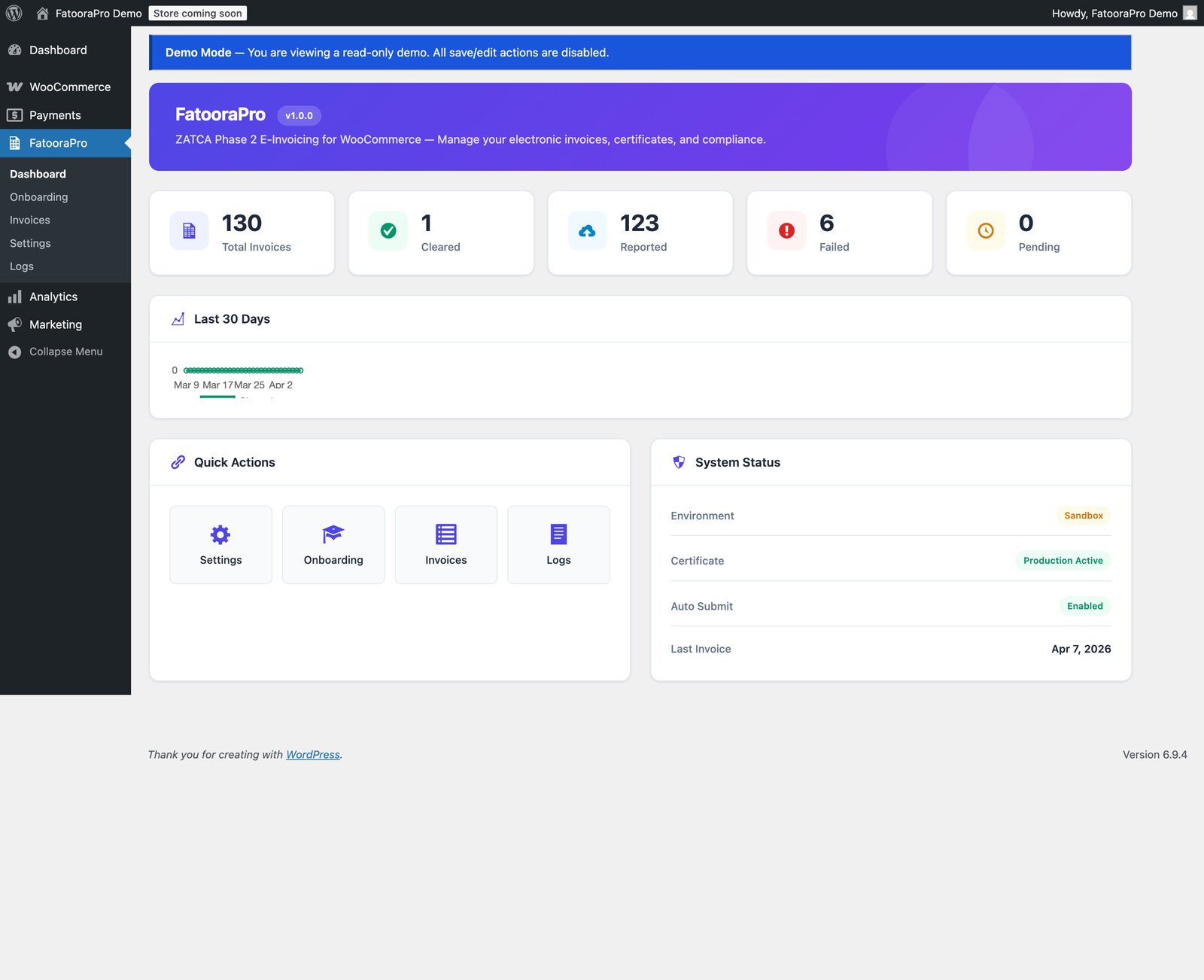
The errors that stop an invoice are usually about codes rather than amounts. BR-KSA-18 means the VAT category code is not one of S, Z, E or O. BR-CL-18 means a tax category is not from the UNCL5305 list. Both are the kind of thing a plugin gets right for the common case and wrong for the unusual one, which is why a dashboard that shows you the failures matters more than one that shows you a total.
Self-hosted or a service
Most Phase 2 options for WooCommerce are services: your shop sends the order to a provider, the provider signs and submits, and you pay per invoice or per month. That is a reasonable trade — somebody else keeps up with the specification — and if you would rather not think about any of this, take it.
The other shape is a plugin that holds your certificate and talks to ZATCA directly from your own server. No per-invoice fee, no third party holding your tax data, and the source is yours to read. The cost is that upgrades are your decision rather than somebody else’s deployment.
Three questions before you buy anything
Does it do Phase 2, or only Phase 1? Ask for the word “integration”, not “compliant”. — Does it show you failures, or only successes? An e-invoicing tool that hides rejections is worse than none, because you will find out from ZATCA. — Where does your certificate live? If the answer is “our servers”, that is a service, and you should price it as one.