
How do you stop two exhibitors booking the same stand?
Double bookings happen when the plan and the payment live in different places: the hall plan is a PDF, the bookings are an email thread, and two people say yes to the same stand on the same afternoon. The fix is one source of truth that locks a stand the moment someone starts paying for it.
Where the double booking actually comes from
It is rarely the organiser’s fault. A stand is “available” in the PDF you sent on Monday. On Wednesday two exhibitors reply. You confirm the first, and the second has already told their team. Nobody did anything wrong; the plan just did not know about the bookings.
The three states a stand needs
Available, held, and booked. Most tools only have the first and the last. The middle one is what prevents the race: the stand is held for the person in checkout, for a fixed window, and released if they do not finish.
Doing it in WooCommerce
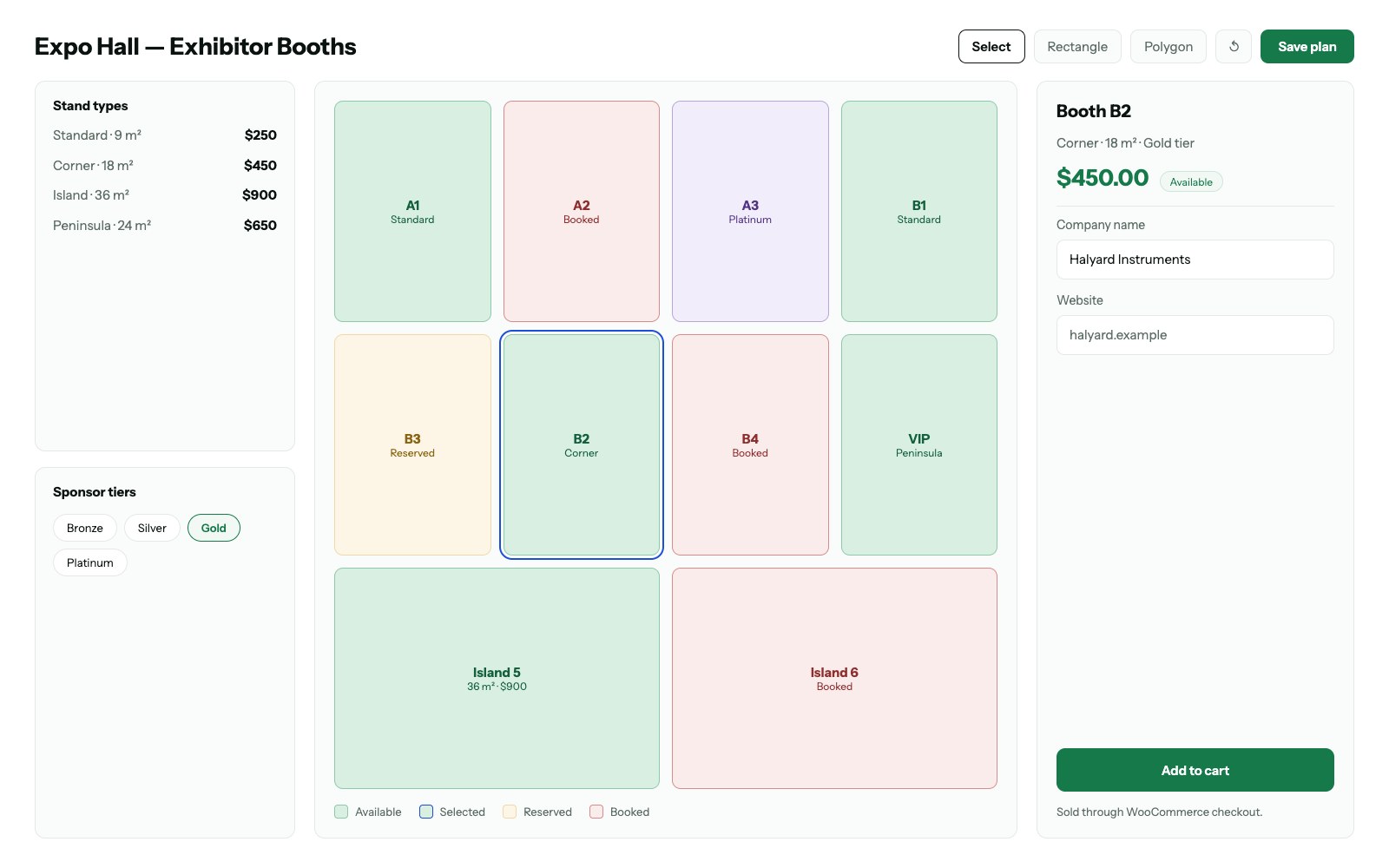
Each stand is a stock-one product. Adding it to the cart reserves the stock for 15 minutes — WooCommerce’s “hold stock” setting, which most shops never touch. The plan is drawn on top of that: it reads stock state and colours the stand, so the held state is visible to everyone else looking at the plan. The payment step is the standard WooCommerce checkout, with nothing bolted on.