
WooCommerce shows you revenue. Revenue is not the number you need.
A shop doing well on the WooCommerce dashboard can be losing money on half its catalogue. The dashboard adds up what came in; it does not know what anything cost you, what the payment provider took, what shipping actually ran to, or which of your best sellers you would be better off not selling.
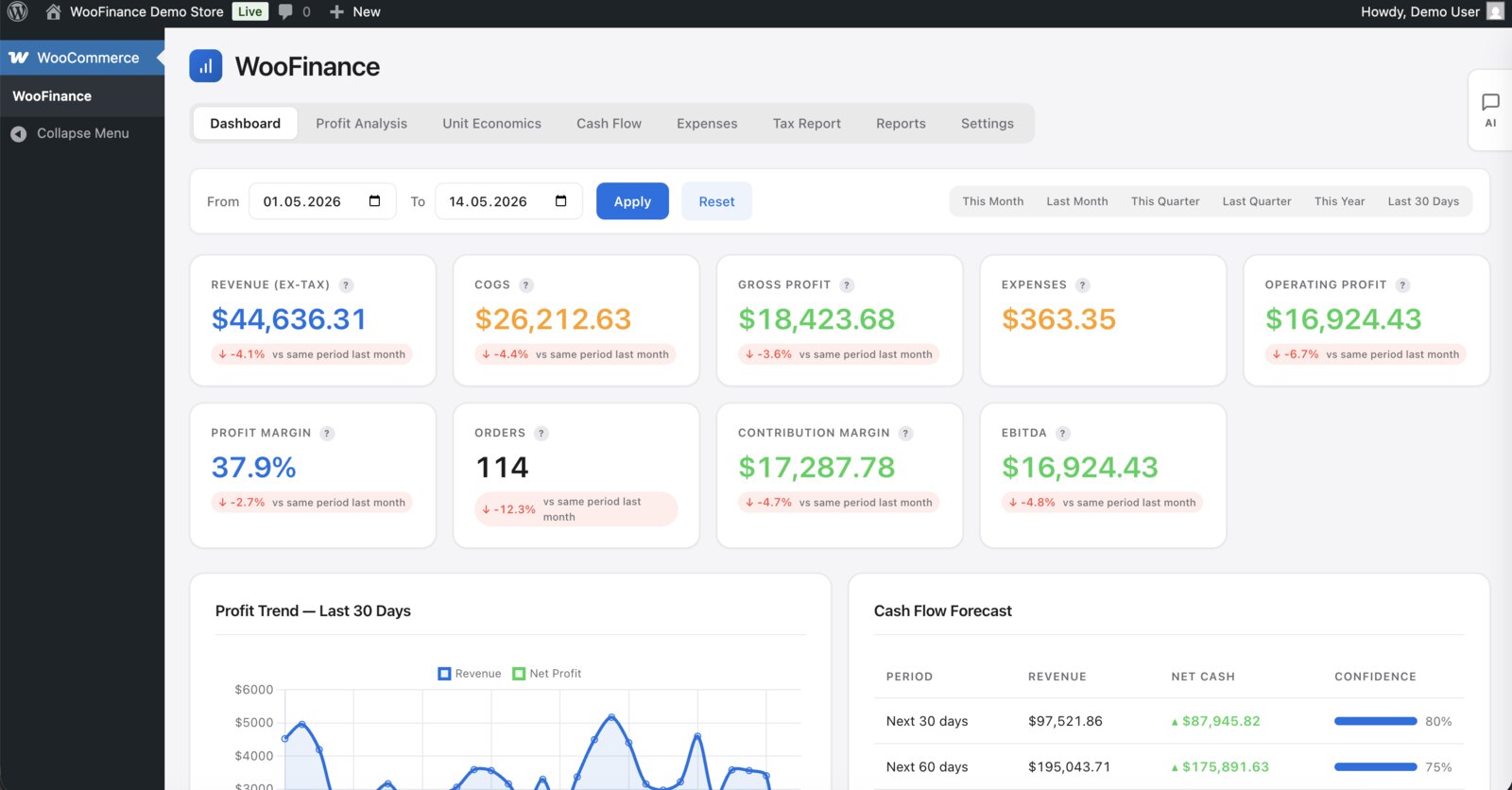
Cost of goods is not stored anywhere
WooCommerce records what you charged. What you paid your supplier is not a field, which means gross profit is not computable from a stock install at all. Most shops discover this when they try to answer a simple question — which product makes us the most money — and find that the reports can only rank by revenue.
Cost has to be recorded per product, and per order at the time of the order. Not just per product: your supplier price changes, and an order from March has to keep March’s cost or last year’s margin quietly rewrites itself every time you update a figure.
The deductions nobody accounts for
Between the revenue line and the money in your account sit the payment gateway’s percentage and fixed fee, the shipping you paid rather than the shipping you charged, and refunds — which reverse revenue but not always the fee. On a shop with thin margins these three routinely account for the whole of the profit, and none of them appear in a WooCommerce report.
The number worth having: margin per product
Once cost and fees are recorded, the useful report is not a total. It is a list of products below a margin threshold, because that is a list you can act on — raise the price, renegotiate, or stop stocking it. A shop usually finds two or three items on it that it was actively promoting.
Profit and cash are different questions
A profitable month can still leave you short, because stock is bought before it is sold and payouts arrive on the provider’s schedule rather than yours. Whatever you use, keep the two questions apart: “did we make money” and “will we have money” have different answers and different fixes.